Home › GTA › How to Mod GTA 5 on PC: A Safe Step-by-Step Guide
How to Mod GTA 5 on PC: A Safe Step-by-Step Guide
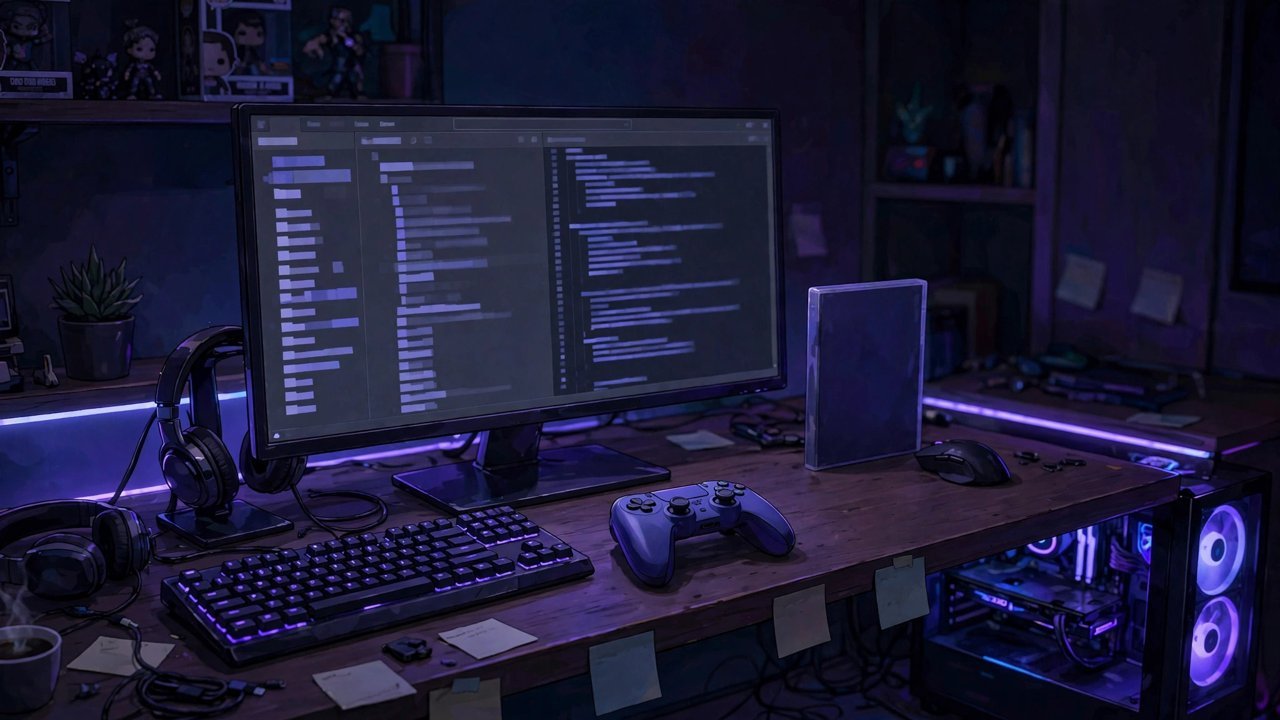
GTA 5's story mode is a sandbox that modders have been reshaping for over a decade — new graphics, superhero powers, total chaos at the press of a button. Getting started is genuinely simple, but the order you do things in matters. Skip the backup and one bad file can cost you a full reinstall; forget the anti-cheat step and the game will refuse to load your mods at all. Here is the safe way to do it, start to finish.
Before You Install Anything: Back Up and Disable BattlEye
Find your GTA 5 installation folder (the default Rockstar path is C:\Program Files\Rockstar Games\Grand Theft Auto V) and make a copy of it somewhere safe. A full copy needs roughly 150 GB of spare space, because the game itself is huge. That sounds excessive until a mod corrupts your install five minutes before a session — then it feels like the best decision you ever made.
Next, deal with BattlEye. GTA 5's anti-cheat treats mod files as suspicious, so it has to go off before mods will run. You have two easy options: delete the GTA5_BE.exe file from the game folder, or open the Rockstar Games Launcher, go to Settings, select GTA 5 under My Installed Games, and untick BattlEye under General. Script Hook V's args.txt file can also disable it once installed. Either way, this only affects your local story mode setup — and it is one more reason to keep mods far away from GTA Online, which we will come back to.
Step 1: Install Script Hook V
Almost every GTA 5 mod depends on Script Hook V, a library that lets custom scripts hook into the game. Download it from its official home at dev-c.com — accept no substitutes, because re-uploads on random sites are a classic malware delivery trick. Extract the download, then copy these files from its bin folder into your main GTA V folder, alongside GTA5.exe: ScriptHookV.dll, dinput8.dll, xinput1_4.dll and args.txt. The optional NativeTrainer.asi adds a built-in trainer menu.
Launch the game, load story mode, and press F4. If the Native Trainer menu appears — god mode, teleporting, weather control, the works — Script Hook V is working. One warning you will eventually meet: after Rockstar patches GTA 5, Script Hook V often throws an "Unknown game version" error on startup. That is normal. The tool's author updates it within days; either wait for the new version or roll back using your backup.
Step 2: Add Your First Mods
Most script mods arrive as a single .asi file, and installing one is as simple as dropping it into the same game folder where Script Hook V lives. Chaos Mod is the perfect first test: once a minute it triggers a random effect — exploding traffic, inverted gravity, everyone on fire — and if you stream, your chat can vote on what happens next. To remove any .asi mod, just delete its file. No uninstallers, no registry edits, no drama.
Step 3: Graphics Mods and the Mods Folder
Visual overhauls such as VisualV work differently, because they replace game files rather than adding scripts. The safe method uses a dedicated mods folder that mirrors the game's structure: you copy update.rpf into mods/update/ and let a tool such as OpenRPF or CodeWalker handle the edited archives. Your original files stay untouched, so the worst case is deleting the mods folder and starting again. The install is more involved than dropping in an .asi, but the payoff — reworked weather, lighting and reflections — is the single biggest visual upgrade GTA 5 can get.
A Note on FiveM
If your goal is roleplay servers rather than story mode chaos, FiveM is a separate client that installs alongside your game and leaves your single-player files alone. It is the platform almost all GTA RP runs on, and it does not conflict with a modded story mode install.
Will Mods Get You Banned?
Rockstar addressed this directly back in 2015: the studio said it has never banned anyone for using single-player mods, and that remains the position players rely on today. The line is GTA Online. Taking mods or menus online can land you in the cheater pool or earn a ban, so keep the two worlds separate — many players maintain a clean second install purely for Online. Finally, stick to established sources such as gta5-mods.com and the official Script Hook V page, scan what you download, and your modded Los Santos will stay exactly as unhinged as you intended.
Frequently asked questions
Are GTA 5 mods allowed by Rockstar?
In story mode, yes — Rockstar stated in 2015 that it does not ban players for single-player mods. Using mods or menus in GTA Online is a different matter and can lead to the cheater pool or a ban.
Why does Script Hook V say 'Unknown game version'?
It means GTA 5 has been updated since your copy of Script Hook V was released. Wait for the updated Script Hook V build on dev-c.com, or restore your backed-up game folder to keep playing meanwhile.
Can I use mods in GTA Online?
No. Keep mods in story mode only. BattlEye and Rockstar's own checks target modified clients online, and penalties range from the cheater pool to account bans.
How do I uninstall a GTA 5 mod?
For .asi script mods, delete the file from the game folder. For graphics mods installed through a mods folder, delete or rename that folder — your original game files were never touched.
More GTA guides
 How to Make Money in GTA 5 Story Mode: The Best MethodsUpdated 12 November 2026
 How to Make Money Fast in GTA Online: The Best Methods RankedUpdated 12 November 2026
 How to Sell Property in GTA Online: Trade-Ins ExplainedUpdated 12 November 2026
 How to Switch Characters in GTA 5 on PC, PlayStation and XboxUpdated 12 November 2026
 What Is GTA RP? How to Play GTA 5 Roleplay on PCUpdated 12 November 2026