Home › GTA › How to Switch Characters in GTA 5 on PC, PlayStation and Xbox
How to Switch Characters in GTA 5 on PC, PlayStation and Xbox
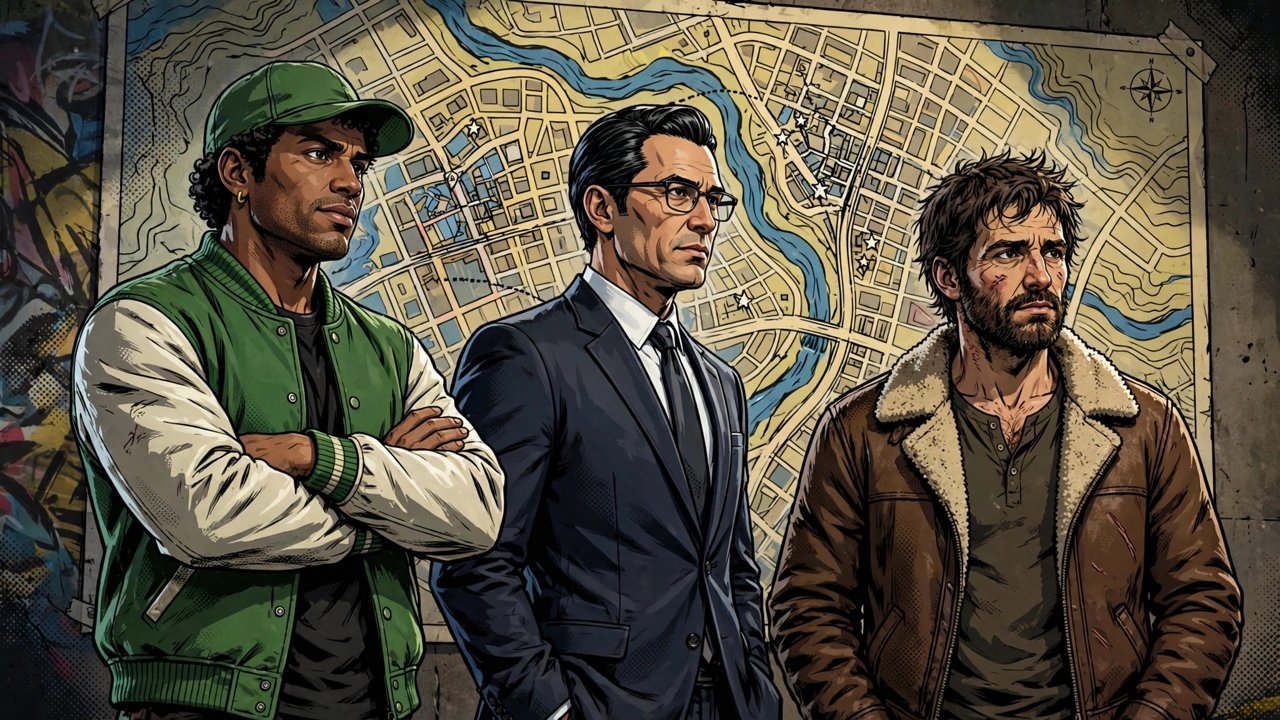
GTA 5's signature trick is its trio of protagonists. Michael, Franklin and Trevor each live their own life in Los Santos and Blaine County, and once you have unlocked them you can jump between them almost whenever you like. Here is exactly how it works on every platform, plus how to swap to your GTA Online character and how Director Mode fits in.
How Switching Works
You start the story with Franklin, and Michael and Trevor join the wheel as the campaign introduces them. Switching is not a teleport to a static character — when you swap, the game zooms out to a satellite view of the map, then dives back down on the new character doing whatever they were up to: Michael might be watching TV, Franklin walking Chop, and Trevor, famously, waking up somewhere he has no business being. Each character also has their own stats and a special ability — Michael slows time in gunfights, Franklin slows it while driving, and Trevor can rage for extra damage and toughness — so switching is a tactical choice as well as a story one.
Switch Characters on PC
- While playing as any of the three, press and hold the Alt key.
- The character wheel appears in the bottom-right corner, with each character's stats shown alongside them.
- Move the mouse or use the arrow keys to highlight Michael, Franklin or Trevor.
- Release Alt. The camera pulls up over the city and drops in on your pick, usually with a short scene of what they were doing.
Switch Characters on PlayStation and Xbox
- Press and hold Down on the D-pad to open the character wheel.
- Push the right stick toward the character you want.
- Release the D-pad, and the same zoom-out, zoom-in transition plays.
When You Cannot Switch
The wheel is not always available. Switching is blocked while a mission is in progress and while you have an active wanted level, so if the option seems to have vanished, lose the police or finish what you are doing first. Some story moments also lock you to one character by design, particularly early on and during missions scripted around a specific member of the trio.
Switching to Your GTA Online Character
Your online character lives on the same wheel, in the bottom slot — Michael sits on the left, Franklin on top and Trevor on the right. Select the bottom position and the game loads you into GTA Online as that character. To manage multiple online characters, open the pause menu instead, go to the Online tab and choose Swap Character, where you can pick another character or create a new one.
Bonus: Playing as Other Characters in Director Mode
If you want to roam Los Santos as someone other than the trio, Director Mode lets you take control of a long list of NPCs, from pedestrians to story characters you have met. Open it with the M key on PC, the touchpad on PlayStation or the View button on Xbox. It is a sandbox rather than the story, but it is the only way to play as most of the cast.
Frequently asked questions
Why can't I switch characters in GTA 5?
Switching is disabled during missions, while you have a wanted level, and during certain scripted story moments. Lose the police or finish the mission and the wheel will work again.
How do I unlock Trevor and Michael?
They join the character wheel automatically as the story introduces them. You begin with Franklin, and by the time the crew is assembled you can switch freely between all three in free roam.
How do I switch to my GTA Online character?
Hold Alt on PC or Down on the D-pad on console and choose the bottom slot of the wheel. For multiple online characters, use the Online tab in the pause menu and select Swap Character.
Can I play as other NPCs in GTA 5?
Yes, in Director Mode. Press M on PC, the touchpad on PlayStation or the View button on Xbox to open it and pick from a cast of unlocked NPCs.
More GTA guides
 GTA Vice City Cheat Codes for PC, PlayStation, Xbox, Switch and MobileUpdated 12 November 2026
 How to Do Heists in GTA Online: Requirements and How to StartUpdated 12 November 2026
 How to Make Money in GTA 5 Story Mode: The Best MethodsUpdated 12 November 2026
 How to Make Money Fast in GTA Online: The Best Methods RankedUpdated 12 November 2026
 How to Sell Property in GTA Online: Trade-Ins ExplainedUpdated 12 November 2026