Home › Roblox Guides › How to Join a Group in Roblox
How to Join a Group in Roblox
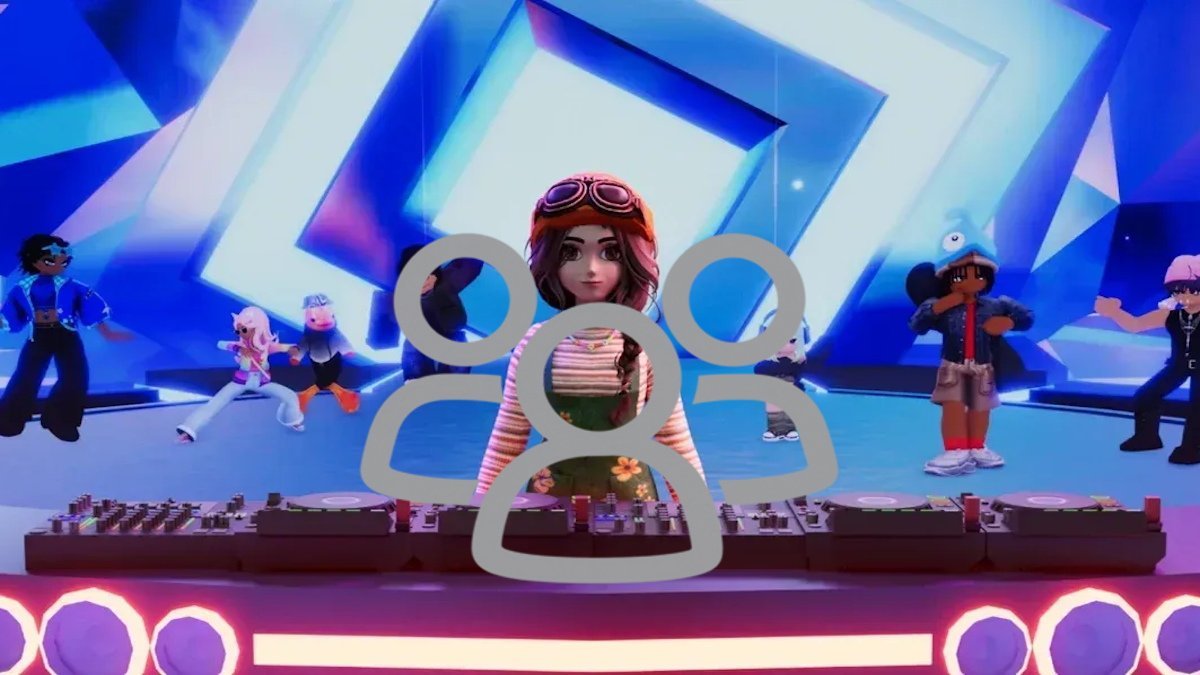
First, a name change that still trips people up: since RDC 2024, Roblox officially calls groups "Communities". Same feature, new label — game studios run them to gather their players, post announcements and shout about updates, and plenty of games hand out codes, rewards or access only to members. Knowing how to join one takes about a minute on any device.
Join a group on PC or web
- Log in to your Roblox account on the website or desktop app.
- Select Communities from the left sidebar (open the hamburger menu first if you are in the app).
- Click More Communities or See All near the top-right.
- Type the group's name or a keyword into the search bar.
- Open the community you want and click the blue Join Community button next to its name.
Join a group on mobile, tablet and console
The flow is the same inside the app: tap the More (three dots) button, choose the Communities tile, search under My Communities, open the right result and tap Join Community. Console players on PS5, PS4 and Xbox follow the identical path using the More icon in the app's navigation — the menus are shared across platforms.
Public, private and the 100-group limit
Public communities accept you the moment you press the button. Private ones send your request to the owner or staff for manual approval, and some owners expect a message first — be patient rather than re-sending. Every account can hold up to 100 community memberships for free, and hitting that cap is the most common reason the Join button seems to vanish. Creating your own community instead costs 100 Robux.
How to leave a group
Open the Communities tab, select the group, click the three-dot menu in the top-right of its page and choose Leave Community, then confirm. One serious warning for owners: if you own a community and leave without transferring ownership first, the group is ownerless permanently — rejoining later does not give your powers back. Transfer ownership to a trusted member before you go.
Finding the right community — and avoiding fakes
Not every community wearing a game's name is run by its developers. Fan groups and outright impersonators exist, and the giveaway is usually in the description and the linked experiences. The safe route is to arrive from inside the game itself: most experiences link their official community from their page or social links, and that group is the one whose shouts, codes and announcements you can trust. Official communities also tend to be the large ones with active walls and real update posts. If a "community" is asking for your password or pushing you off-platform for rewards, leave — no legitimate group needs either.
Why join groups at all?
Beyond the social side, membership has practical perks. Members see group shouts and announcements, players aged 13 and over can post on the community wall, and many experiences check membership before handing out group rewards or letting you redeem certain codes. If you play a game regularly, joining its community is usually the fastest way to hear about updates and events.
Frequently asked questions
How many groups can you join in Roblox?
Up to 100 communities at once, for free. To join another after that, you have to leave one first.
Does it cost Robux to create a group in Roblox?
Yes. Creating a new community costs 100 Robux. Joining existing communities is free.
Can you rejoin a Roblox group after leaving it?
Yes, as long as you meet its entry requirements and have a free membership slot. Private groups may need to approve you again.
Why is there no Join button on a Roblox group?
Usually because you have hit the 100-community limit. Leave a group you no longer use and the button comes back. Console and Microsoft Store app join bugs are also known — switching to the website or mobile app works around them.
More Roblox guides worth a look
 How to Sign Out of All Devices on RobloxUpdated 14 November 2026
 How to Get Verified on RobloxUpdated 14 November 2026
 Survive Your Ideas Codes (November 2026)Updated 14 November 2026
 Adventure Time RPG Codes (November 2026)Updated 14 November 2026
 Blockade Battlefront Codes (November 2026)Updated 14 November 2026