Home › Roblox Guides › How to Get Verified on Roblox
How to Get Verified on Roblox
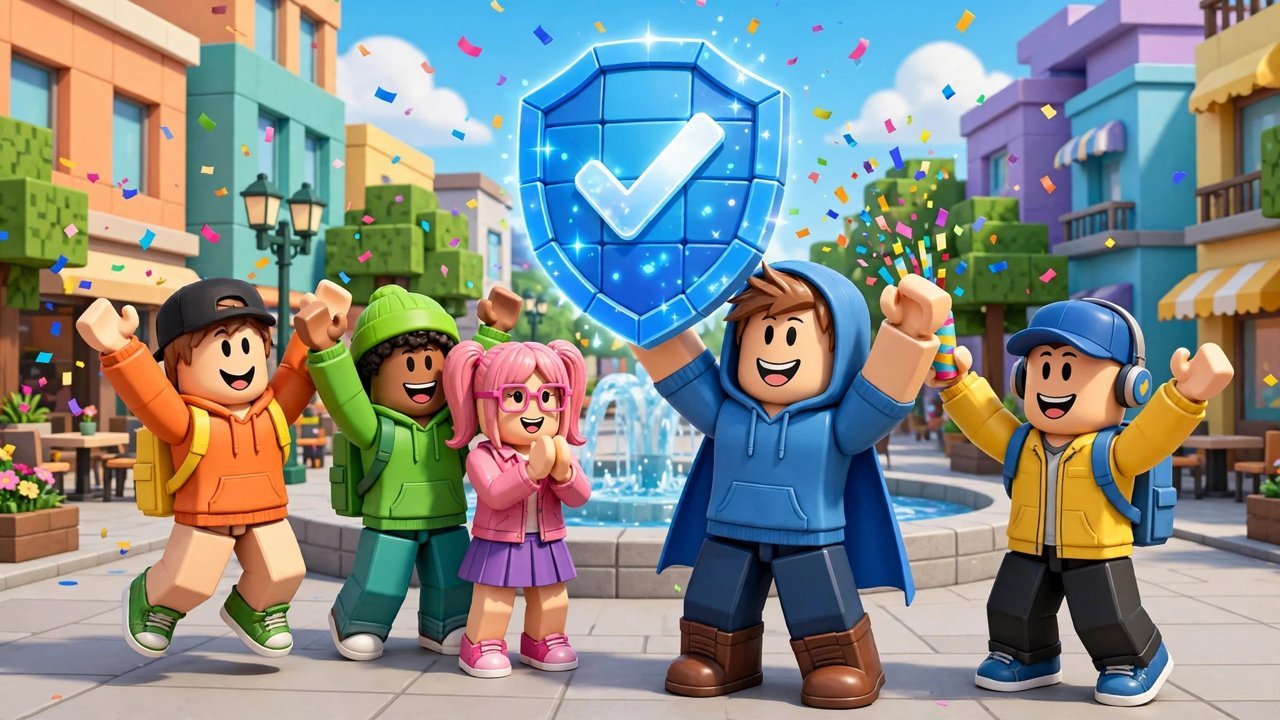
The blue checkmark next to a Roblox username is the platform's Verified Badge, and it exists for one reason: so players can tell the real creator, developer or brand from the fan accounts and impersonators. That purpose explains everything about how it is handed out — including the part most players do not want to hear.
You cannot apply for the Verified Badge
There is no application form, no follower count to grind and no way to buy it. Roblox reviews accounts itself and issues badges in a roughly monthly cycle to accounts that clear its bar. If someone offers to sell you a verified badge or "verify" your account for a fee, they are scamming you — and trying to buy or spoof the badge makes you ineligible for the real one.
The notability requirements
Notability is the gate, and each type of account has its own numbers. Experience developers qualify by owning — or receiving at least a 10% automatic group payout from — an experience with over 1 million playtime hours in the last 90 days. Avatar item creators need at least 2 million Robux in revenue and 200,000 items sold in the last 90 days. Brands and public figures come through the Roblox Video Stars programme. There is no universal follower requirement; an older developer route mentioned 10,000 genuine followers, but audience size alone does not qualify an account today.
Verify your identity and secure the account
Two practical steps sit behind the badge. First, ID verification: in Settings, under Account Info, choose Verify My Age, scan the QR code with your phone, photograph a government-issued ID and complete the selfie liveness check. (This is also the verification that unlocks voice chat and 17+ experiences, which is what many players searching "how to get verified" actually want.) Second, switch on two-step verification with an authenticator app in your Security settings — Roblox will not badge an account it cannot confirm is properly secured, and turning the authenticator off later removes the badge.
One clarification, because the vocabulary causes endless confusion: "verified" gets used for three different things. There is the blue Verified Badge covered here; there is age/ID verification, which unlocks voice chat and age-restricted experiences and which any player can complete; and there is two-step verification, a security setting. Players asking how to "get VC" usually want the second one. Only the first is the celebrity checkmark — and nothing about completing the other two, sensible as they are, earns it on its own. They are simply prerequisites the badge also demands.
Stay active — and how badges get removed
Your account must have been active within the last 180 days. Once you have the badge, keeping it has its own rules: do not change your username or display name, because that revokes it automatically; keep two-step verification on; and stay inside the Community Standards, since repeated violations — or shady behaviour like abusing chargebacks — will get the badge stripped and can cost you the account. Treat the checkmark as something you hold on good behaviour, not something you own.
Frequently asked questions
Can you apply for a Roblox Verified Badge?
No. There is no application. Roblox automatically identifies and verifies accounts that meet its eligibility requirements, issuing badges about once a month.
How many followers do you need to get verified on Roblox?
There is no universal follower requirement. Qualification is based on notability in your category — playtime hours for developers, sales for avatar creators, or the Video Stars programme for brands and figures.
Can you buy a Verified Badge on Roblox?
No, and anyone selling one is running a scam. Attempting to buy or spoof the badge makes your account ineligible.
How long does it take to get verified on Roblox?
Badges are issued roughly monthly, so even after you meet every requirement you may wait up to a full cycle for the checkmark to appear.
More Roblox guides worth a look
 How to Sign Out of All Devices on RobloxUpdated 14 November 2026
 How to Join a Group in RobloxUpdated 14 November 2026
 Survive Your Ideas Codes (November 2026)Updated 14 November 2026
 Adventure Time RPG Codes (November 2026)Updated 14 November 2026
 Blockade Battlefront Codes (November 2026)Updated 14 November 2026