Home › Minecraft › How to Install Fabric in Minecraft and Add Fabric Mods
How to Install Fabric in Minecraft and Add Fabric Mods
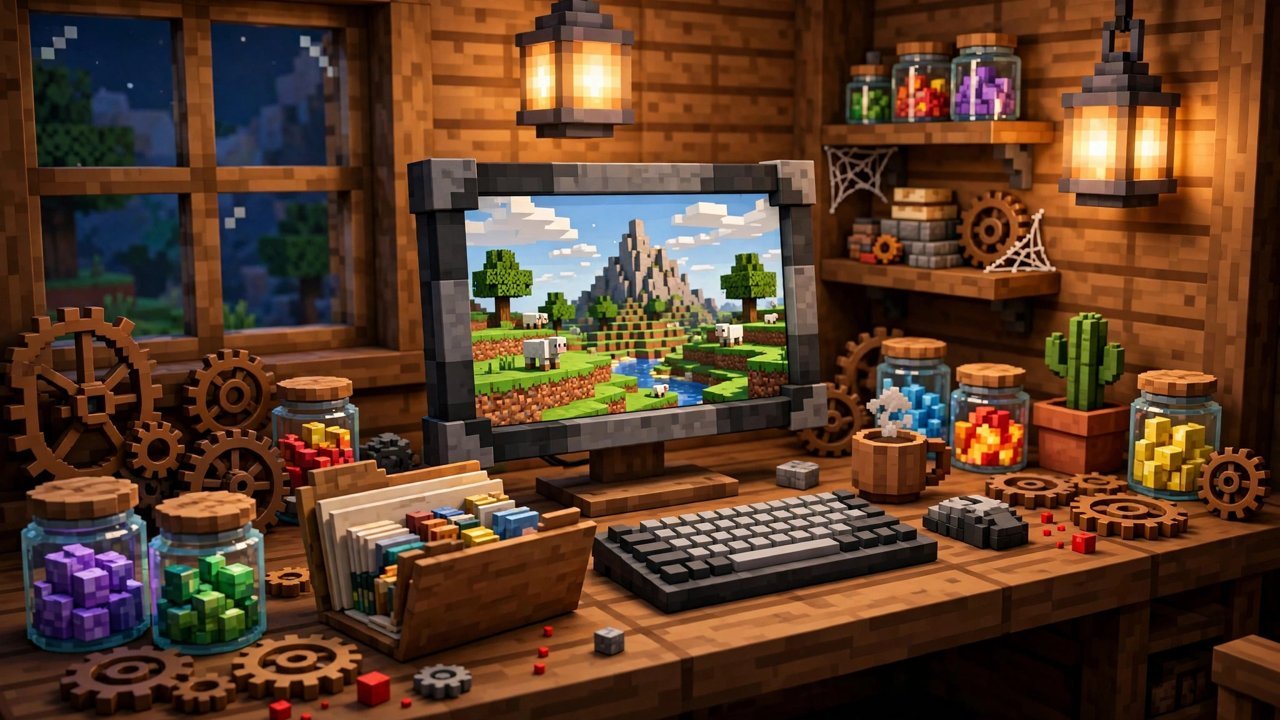
Fabric is the lightweight mod loader behind most modern Minecraft mods, especially performance and quality-of-life ones. It updates fast after each game release and stays out of your way once installed. The whole setup takes about five minutes, and most of that is waiting for downloads.
Step 1: Download the Fabric Installer
Head to the official Fabric website, fabricmc.net, and use the download page. Choose the universal jar version of the installer rather than the platform-specific button; the jar sets everything up correctly for Java. You will need Java installed on your computer to open it, so grab the latest version from java.com first if double-clicking the file does nothing.
Step 2: Run the Installer
Open the downloaded installer. In the window that appears, select the Minecraft version you play on, leave the loader version as suggested, and click Install. Fabric creates its own profile inside the Minecraft Launcher, which means your vanilla installations stay untouched and you can switch between them freely.
Step 3: Get Fabric API
Almost every Fabric mod depends on one shared library called Fabric API. The installer even warns you about it when it finishes. Download the newest Fabric API file for your game version from CurseForge or Modrinth, making sure the version number in the file name matches your Minecraft version. A 1.21 mod will not load on 1.20, and the game will tell you so at launch.
Step 4: Add Your Mods
Open the Minecraft Launcher, go to the Installations tab and tick the Modded box at the top right; the Fabric installation should be listed. Hover over it and click the folder icon to open your game directory. If there is no folder called mods inside, create one. Now drag Fabric API and every other mod jar you downloaded into that folder.
When hunting for mods, always check that a file is actually labelled Fabric on its download page. Forge files do nothing in a Fabric setup, and mixing the two loaders is not possible in a single installation.
Step 5: Play
Back in the launcher, select the Fabric loader profile next to the Play button and launch the game. There is no built-in list showing which mods loaded, so the simplest test is to start a world and look for the mod's features, or install the Mod Menu mod, which adds exactly that list. If a mod is missing a dependency or targets the wrong version, Minecraft stops before the title screen and shows a message naming the problem, which makes troubleshooting far less painful than it used to be.
Fabric or Forge?
Forge (and its successor NeoForge) supports the bigger, older mod catalogue, while Fabric is leaner, updates quicker and dominates performance modding. Plenty of players keep one installation of each and swap depending on the modpack. Neither is objectively better; the mods you want decide for you.
Keeping things updated is painless, too. When Minecraft releases a new version, Fabric usually has a matching loader build within days. Update the loader through the same installer, then update Fabric API and your mods to builds marked for the new version before launching an old world. Mods that have not been updated yet simply will not load, and the game tells you which ones are holding you back, so nothing breaks silently.
Frequently asked questions
Is Fabric free to install?
Yes. Fabric is a free, open-source mod loader, and Fabric API is free too. Only download them from fabricmc.net, CurseForge or Modrinth to stay safe.
Can I run Fabric and Forge mods together?
No. Fabric mods only run under the Fabric loader and Forge mods only under Forge or NeoForge. You need separate launcher installations for each.
Why does my game crash after installing a Fabric mod?
Usually the mod is built for a different Minecraft version, or Fabric API is missing. Check the error message at launch; it names the incompatible mod or missing dependency.
Where is the mods folder for Fabric?
Inside your .minecraft folder. Open the launcher, find the Fabric installation under Installations, and click its folder icon. Create a folder named mods there if none exists.
More Minecraft guides
 Redstone Components in Minecraft: A Complete GuideUpdated 12 November 2026
 Respiration Enchantment in Minecraft: Breathe Longer UnderwaterUpdated 12 November 2026
 What Does Smite Do in Minecraft? Smite Enchantment GuideUpdated 12 November 2026
 What Do Horses Eat in Minecraft? Every Food and Its EffectsUpdated 12 November 2026
 All Wolf Variants in Minecraft and Where to Find ThemUpdated 12 November 2026