Home › Minecraft › How to Change Tick Speed in Minecraft (Random Tick Speed Explained)
How to Change Tick Speed in Minecraft (Random Tick Speed Explained)
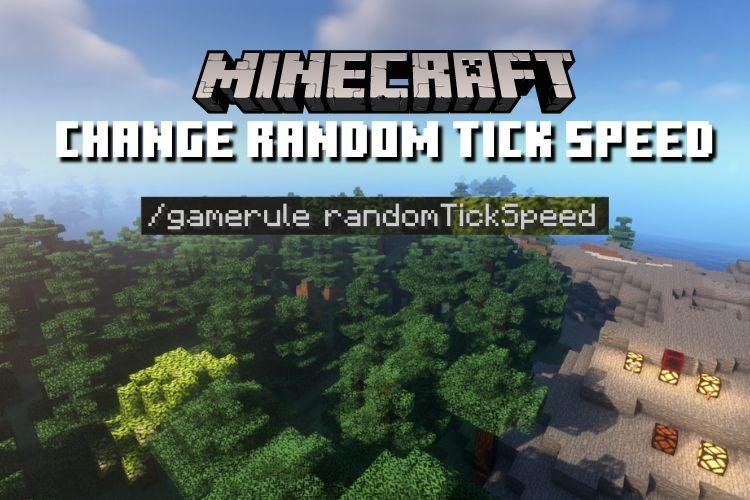
Every Minecraft world runs on ticks: twenty per second, fifty milliseconds each, the invisible heartbeat behind everything from redstone to mob movement. But the setting players actually want to touch is a specific one, the random tick speed. It decides how frequently the game performs random block updates, and with one gamerule you can make wheat grow in minutes or keep a copper roof shiny forever. Here is what it controls, how to change it on both editions, and where the safe limits sit.
What Random Ticks Do
Each game tick, the game picks a set of blocks at random inside every loaded subchunk and updates them. Those random updates are the engine behind a long list of familiar processes:
- Crops, saplings, sugar cane and other plants growing.
- Fire spreading and burning itself out.
- Snow and ice melting, and leaves decaying.
- Turtle eggs progressing through their hatching stages.
- Copper slowly oxidising through its colour stages.
- Farmland hydration changes, plant spread and campfire smoke behaviour.
Raise the random tick speed and all of it accelerates together. Lower it and the world relaxes. Set it to zero and every one of those processes stops dead, which is genuinely useful if you are building with ice, fresh copper or anything else time would normally ruin.
How to Change Random Tick Speed
The command is the same on both editions, and it needs cheats. On Java, enable cheats when creating the world or open it to LAN with cheats allowed. On Bedrock, turn on Activate Cheats in the world settings. Then type:
/gamerule randomTickSpeed <value>
For example, /gamerule randomTickSpeed 100 turns a wheat field impatient, with crops maturing visibly faster than normal. To restore the default, run the command again with 3 on Java or 1 on Bedrock. Do not confuse this with the game's underlying 20 ticks per second, which never changes; random tick speed only governs how many random block updates happen per tick. (Java players also have the separate /tick command, which really can freeze time itself.)
How High Can You Go?
There is no hard cap stopping you typing a huge number, but your hardware sets the real one. Every extra random update is extra work per tick, and pushing the value into the hundreds or thousands can make a world stutter or crawl, especially with big farms loaded. Increase gradually, watch performance, and step back down if the game starts to lag. The sweet spot for most players is a modest bump that makes farms feel snappy without turning the world into a slideshow.
Handy Uses Worth Knowing
- Farm testing: crank the value temporarily to check whether a farm design works, then reset it before real play.
- Preserving builds: set it to 0 in a creative world so ice, snow and copper stay exactly as you placed them.
- Fire control: a value of 0 also prevents fire from spreading, which makes it a quiet safety switch around wooden builds.
One caution for survival players: the setting saves with the world, so if you experiment on a copy or a test world, note the value you left behind before returning to a world you care about.
Frequently asked questions
What is the default random tick speed in Minecraft?
The default is 3 on Java Edition and 1 on Bedrock Edition. Reset it any time with /gamerule randomTickSpeed 3 (Java) or /gamerule randomTickSpeed 1 (Bedrock).
What happens at random tick speed 0?
Random block updates stop entirely. Crops and saplings will not grow, fire will not spread, ice and snow will not melt, turtle eggs will not progress and copper will not oxidise.
Does random tick speed change the game's 20 ticks per second?
No. The world always runs at 20 ticks per second. Random tick speed only changes how many random block updates occur within each tick. Java's separate /tick command is the one that can alter the tick rate itself.
Can high tick speed lag your world?
Yes. Large values force far more block updates every tick, which can cause serious lag, especially around big farms. Raise the value gradually and lower it if performance suffers.
More Minecraft guides
 What Do Llamas Eat in Minecraft? Wheat and Hay Bales ExplainedUpdated 12 November 2026
 What Do Pigs Eat in Minecraft? (Breeding Food Guide)Updated 12 November 2026
 What Do Polar Bears Eat in Minecraft? (The Honest Answer)Updated 12 November 2026
 What Do Horses Eat in Minecraft? Every Food and Its EffectsUpdated 12 November 2026
 All Wolf Variants in Minecraft and Where to Find ThemUpdated 12 November 2026