Home › GTA › GTA 5 Map Editor Mod: How to Install It and Start Building
GTA 5 Map Editor Mod: How to Install It and Start Building
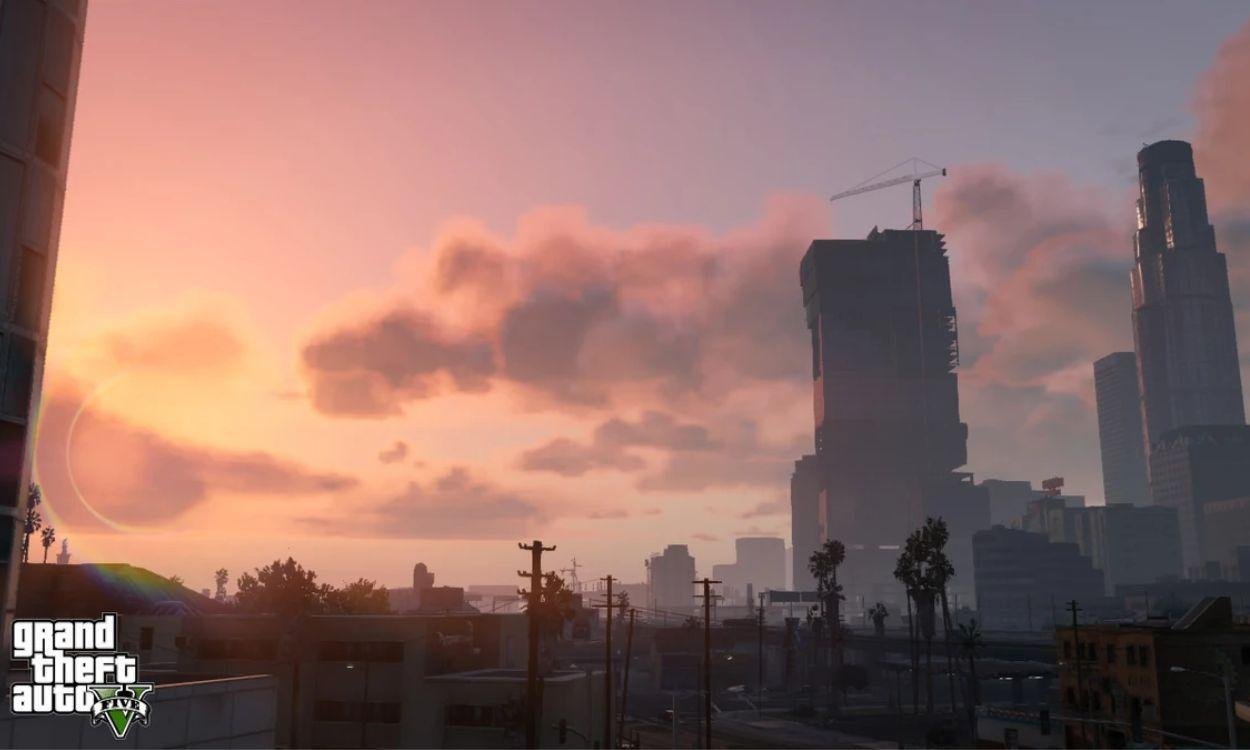
Director Mode lets you stage scenes in GTA 5, but if you want to change Los Santos itself — drop in a stunt ramp, build a racetrack, fill a street with props — you need the community-made Map Editor mod by Guadmaz. It is a PC story-mode tool, it is free, and while the install takes a few steps because it depends on other modding tools, the editor itself is simple once you are in. Here is the full process.
What you need first
Map Editor does not work on its own. Before installing it, download these three dependencies, all as zip files:
- Script Hook V — the library that lets GTA 5 load custom scripts.
- Script Hook V .NET — the .NET layer many script mods are built on.
- NativeUI — the menu system Map Editor uses for its interface.
Then download the Map Editor mod itself. Keep every download as a zip until you are ready to extract, and back up your game folder first if you have other mods installed.
How to install the GTA 5 Map Editor
- Find your GTA 5 installation folder. On Steam the default is C:\Program Files (x86)\Steam\steamapps\common\Grand Theft Auto V; on Epic it is C:\Program Files\Epic Games\GTAV.
- Open the extracted Script Hook V folder, go into its Bin subfolder, and copy its contents into the GTA 5 folder.
- Copy all of the extracted Script Hook V .NET files into the same GTA 5 folder.
- Create a new folder inside the installation directory named scripts — all lowercase.
- Copy the extracted NativeUI files into that scripts folder.
- Finally, copy the extracted Map Editor files into the scripts folder as well.
That is the whole install. If the game launches normally afterwards, the mod is in place.
How to use the Map Editor in-game
Load into story mode and press F7: the Map Editor menu appears in the top-left of the screen. Choose Enter Map Editor to switch to a free camera you can fly around the map. From there:
- Press F to open the prop list and start placing objects — ramps, platforms, barriers and hundreds more.
- Press Spacebar inside the prop list to search by name (type "ramp" to find jump ramps, for example).
- Press P to spawn pedestrians and V to spawn vehicles.
- Press F7 again and choose Exit Map Editor to return to normal gameplay and test what you built.
You can also save your creations and load maps made by other players, which is how the community's stunt tracks, mansions and custom race circuits circulate.
Two warnings before you start
First, this is a single-player tool. Mods and GTA Online do not mix — use Map Editor in story mode only, and never launch Online with mod files in your game folder, because playing a modified game online can get your account banned. Second, mod installs can occasionally corrupt saves or clash with game updates; a clean backup of your installation before you begin turns any disaster into a ten-minute restore instead of a full reinstall.
Frequently asked questions
What do you need to install the GTA 5 Map Editor?
Three tools plus the mod itself: Script Hook V, Script Hook V .NET, NativeUI, and the Map Editor mod by Guadmaz. All of them are free downloads, and each one is a simple file copy once extracted.
How do you open the Map Editor in GTA 5?
Press F7. The Map Editor menu appears in the top-left corner; choose Enter Map Editor to get the free camera, press F for props, P for pedestrians and V for vehicles.
Can you use the Map Editor in GTA Online?
No. It is a story-mode mod. Running mods in GTA Online can result in a ban, so only use the Map Editor in single player and keep mod files out of your game folder when you play Online.
Can you load maps made by other people?
Yes. You can save your own creations and import map files built by other players, which is how community stunt ramps, racetracks and custom scenes are shared.
More GTA guides
 GTA 6 Radio Stations: All Six Confirmed Stations, Hosts and SongsUpdated 13 November 2026
 GTA 6 Weather System Explained: Local Storms, Hurricanes and Dynamic SkiesUpdated 13 November 2026
 GTA Cover Art History: Every Box Art from GTA 1 to GTA 6Updated 13 November 2026
 GTA+ Explained: What the GTA Online Membership Actually Gives YouUpdated 13 November 2026
 How to Complete the GTA Online Tutorial (And How to Skip It)Updated 13 November 2026