Home › Fortnite › How to Play Fortnite on Mac (Every Working Method in 2026)
How to Play Fortnite on Mac (Every Working Method in 2026)
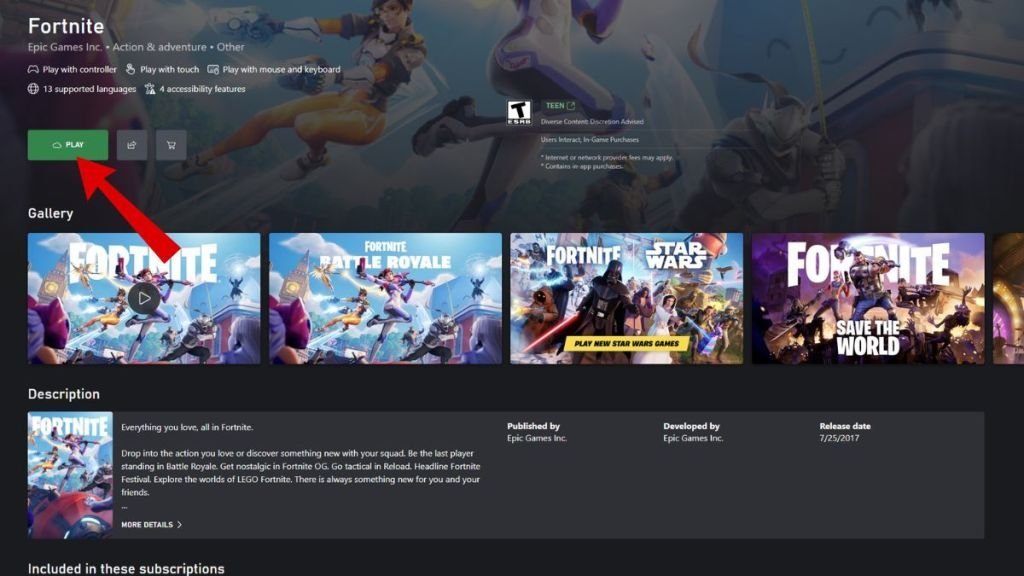
Mac owners have had a strange few years with Fortnite. The game returned to iPhones and iPads, which makes the empty space on macOS even more noticeable — but there is still no native Mac version to download, and the old Epic Games Store build is long dead. The reason is the 2020 legal fight: Apple terminated Epic's ability to develop Fortnite for Mac during the dispute, and while the iOS side has thawed, the Mac side never did. So the question is not how to install Fortnite on a Mac. It is which cloud service should stream it to one.
Option 1: Xbox Cloud Gaming (Free and Easiest)
Microsoft's cloud service is the path of least resistance because Fortnite is one of the titles it streams completely free — no subscription needed for this game.
- Open the Xbox Cloud Gaming site in your browser.
- Sign in with a Microsoft account, or create one.
- Link your Epic Games account so your locker, progress and friends carry over.
- Find Fortnite in the library and press Play.
Option 2: NVIDIA GeForce NOW (Sharpest Picture)
GeForce NOW connects to the game library you already own. Its free tier is genuinely usable, while paid tiers remove the session cap and push the stream quality up to 4K on the Ultimate plan.
- Sign in at the GeForce NOW site or in its Mac app.
- Choose Connect Your Store Accounts and link Epic Games.
- Launch Fortnite from your library and play.
Option 3: Amazon Luna (Free With Prime)
If you already pay for Amazon Prime, Luna is effectively free for you too.
- Sign in to Luna with your Amazon account.
- Open Fortnite in the Free to Play section and choose Play Now with Prime.
- Link your Epic Games account when prompted.
Without Prime, Luna+ costs $9.99 a month with a 7-day free trial for new users.
The Three Services Side by Side
| Xbox Cloud Gaming | GeForce NOW | Amazon Luna | |
|---|---|---|---|
| Price for Fortnite | Free | Free tier, paid from $9.99 | Free with Prime |
| Keyboard and mouse | Full support | Full support | Full support |
| Max resolution | 1080p | Up to 4K (Ultimate) | 1080p |
| Session limits | None, queue-based | 1 hour free, up to 8 hours paid | None, queue-based |
Why a Newer Mac Still Feels Better
Cloud gaming renders the game on a distant server, but your Mac still has to decode the video stream fast enough to keep up. Newer Apple silicon — M3 and M4 chips in particular — has dedicated media hardware that decodes the stream in roughly 1 to 3 milliseconds. Older Intel, M1 and M2 machines often fall back to software decoding that can add 15 to 30 milliseconds before a frame reaches your screen. In a game where build battles are decided in blink-length windows, that gap is the difference between cloud Fortnite feeling native and feeling underwater. Add a wired connection or strong Wi-Fi and even a modest Mac becomes a perfectly serviceable Fortnite machine. Whichever service you pick, make your first session a casual one: dial in your sensitivity, check the stream holds steady in a real fight, and only then take it into matches that matter to you.
Frequently asked questions
Is Fortnite back on Mac in 2026?
Not natively. There is still no macOS version to install; Apple ended Epic's Mac development in 2020 and only the iOS version has returned. Cloud gaming is the working route.
Can I play Fortnite on Mac for free?
Yes. Fortnite streams free on Xbox Cloud Gaming with just a Microsoft account, and GeForce NOW has a free tier with one-hour sessions. Amazon Luna includes Fortnite at no extra cost for Prime members.
Can I use keyboard and mouse on Mac cloud gaming?
Yes. All three services — Xbox Cloud Gaming, GeForce NOW and Amazon Luna — support full keyboard and mouse play for Fortnite, as well as controllers.
Will my skins and progress carry over?
Yes. Every method asks you to link your Epic Games account, and your locker, V-Bucks balance, passes and progress are account-based, so everything you own on other platforms is waiting for you.
More Fortnite guides
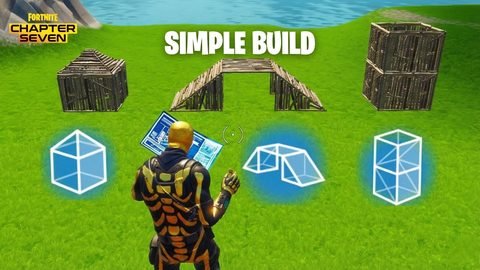 Simple Build and Simple Edit in Fortnite: What They Do and When to Use ThemUpdated 12 November 2026
 How to Play Fortnite Split Screen on PS5, PS4 and XboxUpdated 12 November 2026
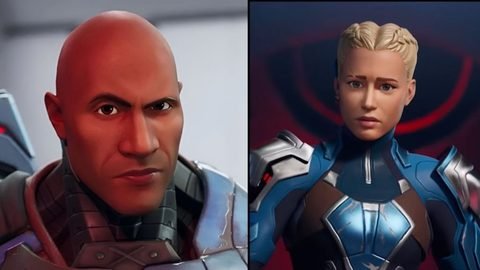 Fortnite's Story Explained: The Seven, Geno and the Zero PointUpdated 12 November 2026
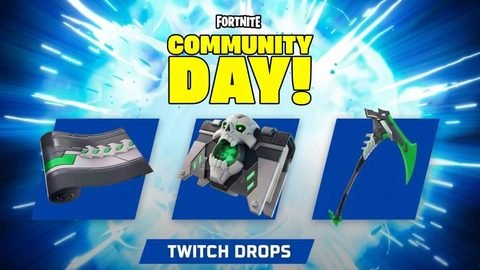 Fortnite Twitch Drops: How to Link Your Accounts and Claim Free RewardsUpdated 12 November 2026
 Fortnite Voice Reporting Explained: How It Works and How to Report AbuseUpdated 12 November 2026