Home › Fortnite › Fortnite Error Codes Explained: Matchmaking Error 1, ESP-DIST-001, 91, 93 and 30005
Fortnite Error Codes Explained: Matchmaking Error 1, ESP-DIST-001, 91, 93 and 30005
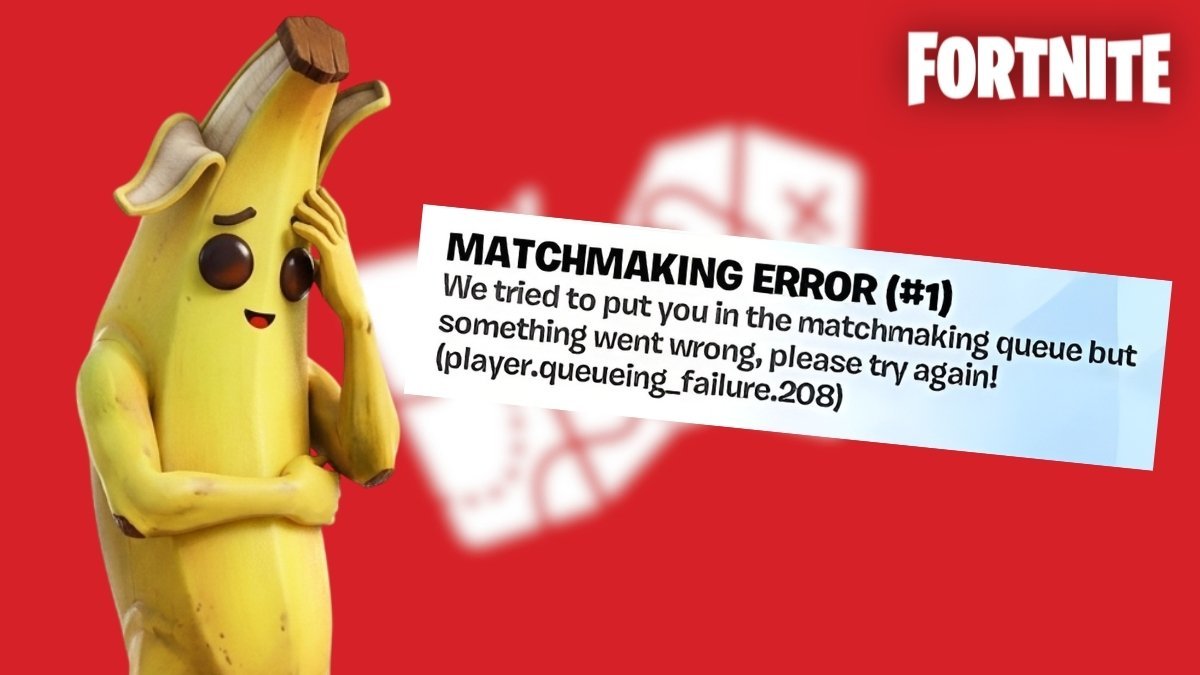
Few things are more annoying than sitting down for a session and being stopped by a wall of error codes. They tend to spike right after a big update, when millions of players hit the servers at once. The reassuring part: the codes below are all technical hiccups with known causes, and none of them means your account is banned or in trouble.
Step zero: check whether Fortnite is actually down
Before changing a single setting, open the official Epic Games status page at status.epicgames.com. If Fortnite or Epic Online Services are showing an outage, the error is on Epic's side and no amount of local troubleshooting will fix it. Wait for the all-clear there, then restart the game.
Matchmaking Error 1: 'Unknown Error. Maybe try again?'
This is the generic failure that appears when you try to queue and the matchmaking connection falls over. The usual causes are corrupted game files, a struggling matchmaking server, local internet trouble, or a glitch in the Epic Games Launcher. Fixes, in order:
- Verify your game files (PC). In the Epic Games Launcher, open your Library, click the three dots on the Fortnite tile, choose Manage, then Verify. Restart Fortnite when it finishes.
- Change your matchmaking region. In Settings, under Language and Region, switch from Auto to a specific low-ping region, try a match, then switch back to Auto.
- Power cycle your network. Unplug the modem and router for at least 30 seconds, plug them back in, let the lights settle, then try again.
- Reinstall the Epic Games Launcher if the error persists on PC.
- On mobile, clear the launcher's cache after updates, and note that rooted devices can trigger the error.
- On console, install any pending system updates. PS5 players can also restore licences, which re-verifies your content with PlayStation Network. And make sure cross-play is enabled in Account and Privacy — with it off, the game can fail to find a lobby at all.
ESP-DIST-001: the login handshake error
ESP errors mean your device failed its opening conversation with Epic's servers: validating your login, fetching your account data and syncing your locker. It hits console players most, and the prime suspect is a corrupted local cache. Clear it:
- Nintendo Switch: System Settings, then System, then Formatting Options, then Reset Cache. Pick your profile, confirm, then restart the console.
- PlayStation and Xbox: shut the console down completely (not Rest or Sleep mode), unplug the power cable for about 60 seconds to fully drain it, then plug back in and relaunch.
If the cache clear does not do it, check the server status page next, then power cycle your router — a stale DNS or IP assignment can break the handshake in exactly the same way.
Other codes you will probably meet
| Code | Meaning | Fix |
|---|---|---|
| Error 91 | Party is not responding or not joinable | Set party privacy to Public temporarily, join, then switch back |
| Error 93 | Connection times out when accepting an invite | Join through your Epic friends list instead, or change matchmaking region and back |
| Error 30005 | Easy Anti-Cheat is blocked or corrupted, so the game will not launch | Run EasyAntiCheat_Setup.exe from FortniteGame/Binaries/Win64/EasyAntiCheat and choose Repair Service |
| 'Successfully Logged Out' | The game kicks you to the start screen mid-session | Restart your PC or console; verify game files if it repeats |
And if genuinely nothing works, sit tight. Post-update errors often clear on their own once Epic ships a hotfix, and a simple restart of Fortnite is all that is needed to pick it up.
Frequently asked questions
Is Matchmaking Error 1 a ban?
No. Matchmaking Error 1 is a technical connection failure between your platform and Epic's servers. It has nothing to do with bans or account penalties.
Will clearing my console cache delete my skins or progress?
No. Your locker, V-Bucks and Battle Pass progress are stored on Epic's servers, not in the cache. Clearing it only wipes temporary local data like login handshakes.
What does ESP-DIST-001 mean in Fortnite?
It means your device failed to complete its login handshake with Epic's servers — validating your account and syncing your inventory. Corrupted console cache and router glitches are the most common causes.
Why do Fortnite errors spike after updates?
New patches bring returning players, changed files and heavy server load all at once. Many errors in the first hours of an update are server-side and clear once Epic stabilises things.
More Fortnite guides
 Fortnite Sidekicks Explained: How to Get and Customise Your Own PetUpdated 12 November 2026
 Simple Build and Simple Edit in Fortnite: What They Do and When to Use ThemUpdated 12 November 2026
 How to Play Fortnite Split Screen on PS5, PS4 and XboxUpdated 12 November 2026
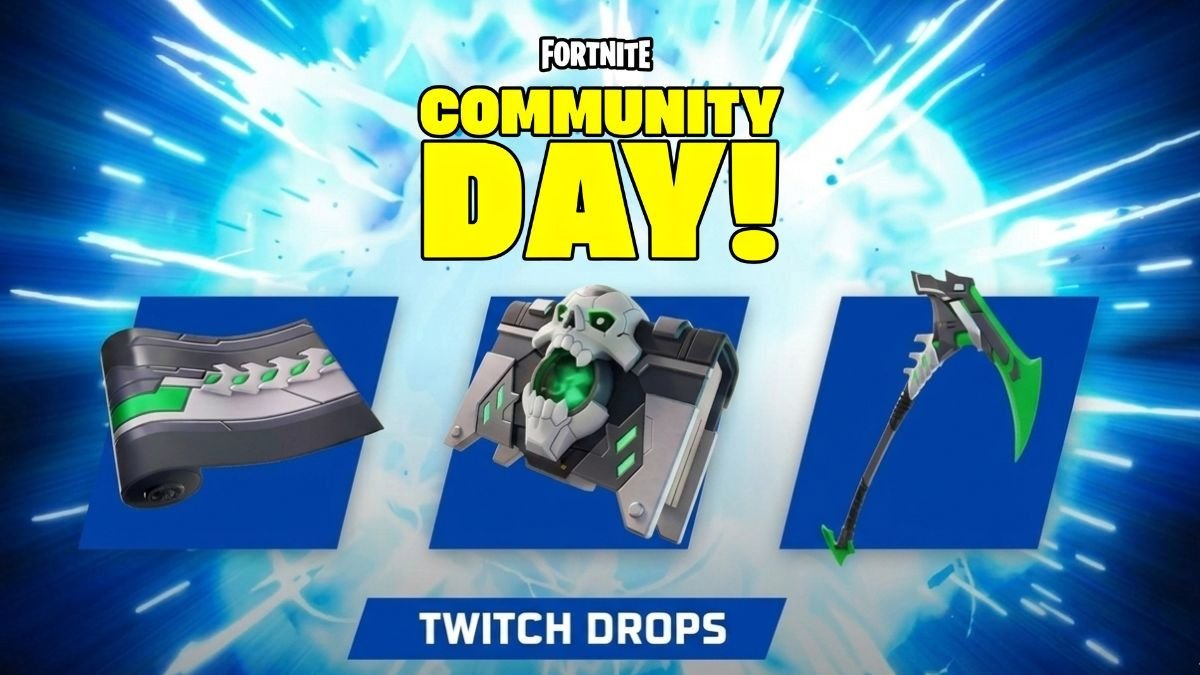 Fortnite Twitch Drops: How to Link Your Accounts and Claim Free RewardsUpdated 12 November 2026
 Fortnite Voice Reporting Explained: How It Works and How to Report AbuseUpdated 12 November 2026