Home › Fortnite › How to Enable 2FA on Fortnite (Every Method Explained)
How to Enable 2FA on Fortnite (Every Method Explained)
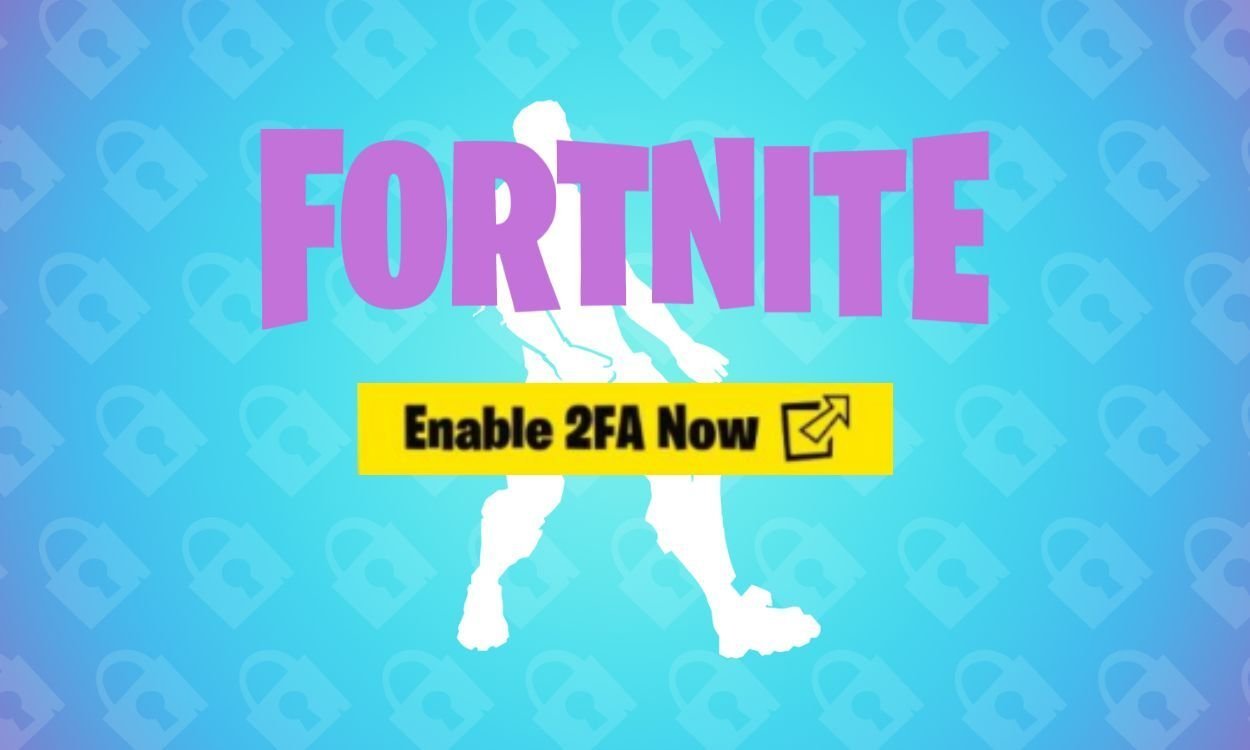
Your Fortnite locker is worth real money. Years of Battle Pass skins, rare shop pickups and V-Bucks sit behind a single password, and passwords leak. Two-factor authentication (2FA) adds a second proof that a login is really you — a code from your phone or inbox — and Epic rewards you for turning it on. It is also flat-out required for some features, so here is how to set it up properly.
How to Turn On Fortnite 2FA
Everything happens on your Epic Games account, not inside the game. Open epicgames.com in a browser (or use the Epic Games Launcher), sign in, then:
- Click your profile icon in the top-right corner and choose Account.
- Select Password and Security from the menu.
- Scroll down to the Two-Factor Authentication section.
- Pick a method below, click Set Up, and follow the prompts.
Method 1: Authenticator App (Recommended)
Apps such as Google Authenticator, Microsoft Authenticator, Authy or LastPass Authenticator generate a fresh code every 30 seconds. Click Set Up next to the authenticator app option, scan the QR code with your app, type the code it shows you and hit Activate. This is the most reliable method because it does not depend on email delivery or mobile signal.
Method 2: Email Authentication
Epic sends the security code to the email address on your account. Choose Set Up under Email Two-Factor Authentication, grab the code from your inbox, paste it in and confirm. If you created your account with an email address, this may already be partially set up for you.
Method 3: SMS Codes
Prefer texts? Select the SMS option, enter your country code and phone number, and Epic will text you a code. Type it in to enable SMS authentication. Handy as a backup, though an authenticator app is harder for anyone else to intercept.
Method 4: Epic Authenticator
The Epic Games mobile app has a built-in authenticator. Choose the Epic Authenticator option in your account settings, open the Epic Games app on your phone, and approve the number-matching prompt to link your device. After that, sign-ins can be approved with a tap.
What You Get for Enabling 2FA
- The Boogie Down emote in Fortnite, free.
- The ability to gift skins and items to friends — gifting is locked without 2FA so a stolen account cannot be emptied by sending gifts.
- Access to competitive tournaments, which require 2FA to enter.
- If you own Save the World: 50 Armory Slots, 10 Backpack Slots and a Legendary Troll Stash Llama.
Enabling 2FA on PlayStation, Xbox, Switch and Mobile
You cannot switch 2FA on from inside Fortnite on a console. Instead, open a browser on any device, go to epicgames.com and sign in using your PlayStation, Xbox or Nintendo account credentials. From there the steps are identical: Account, Password and Security, then set up your preferred method. The protection then covers your account on every platform, because it all runs through the same Epic account.
Code Not Arriving? Try These Fixes
- Check spam and promotions folders. Automated Epic emails often land there.
- Make sure your email is verified. An unverified address can block codes entirely.
- Do not spam the resend button. Requesting code after code invalidates the earlier ones. Wait five to ten minutes, then try once.
- Switch methods. If email codes keep going missing, move to an authenticator app — it is faster and far more dependable.
Frequently asked questions
Is 2FA required to gift skins in Fortnite?
Yes. Epic makes 2FA mandatory for gifting so that anyone who steals an account cannot drain its V-Bucks by gifting items to themselves. Only the sender needs 2FA enabled.
Can I enable Fortnite 2FA on PS5 or Xbox?
Not from the console itself. Sign in to epicgames.com in a browser with your PlayStation or Xbox credentials and enable it under Account, then Password and Security.
What rewards do I get for turning on 2FA?
Every Fortnite player gets the Boogie Down emote. Save the World owners also receive 50 Armory Slots, 10 Backpack Slots and a Legendary Troll Stash Llama.
Which 2FA method is best?
An authenticator app is the strongest and most reliable option because codes are generated on your phone and never travel through email or SMS networks.
More Fortnite guides
 How to Enable Secure Boot and TPM 2.0 for Fortnite on PCUpdated 12 November 2026
 Fortnite Sidekicks Explained: How to Get and Customise Your Own PetUpdated 12 November 2026
 Simple Build and Simple Edit in Fortnite: What They Do and When to Use ThemUpdated 12 November 2026
 How to Play Fortnite Split Screen on PS5, PS4 and XboxUpdated 12 November 2026
 Fortnite Twitch Drops: How to Link Your Accounts and Claim Free RewardsUpdated 12 November 2026