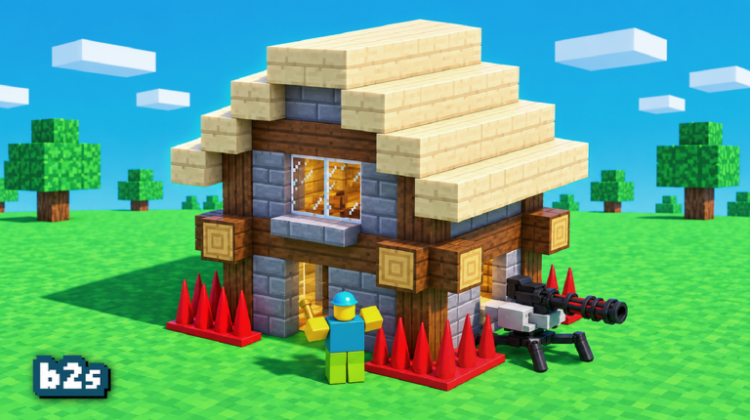
Build Defense is a base-building survival and tower defense game from the group swiftplay!: you build a base and defend it against waves of zombies, spiders and outright disasters. The official description promises a lot — tower defense with traps, bunker mining, farming, pets and realm portals — plus disasters on a silly scale, from tornados and meteors to tsunamis and nukes.
Codes give your base a fighting start: the live pair pay out Coins and a Grand Finale Firework, both listed below with the redeem steps. The code box is inside the Store, on the right side of the screen, and you confirm with the Enter key — easy to do before the first wave rolls in.
All New Build Defense Codes
- 4th: 1x Grand Finale Firework.
- swift: 7k Coins, God Apple, and Toxic Venom Firework. (==NEW==)
Tip: Claim both codes before you start building rather than mid-wave — the Coins are worth most at the start of a run, when every trap counts. Type each code exactly as shown, since they are case-sensitive, and hit Enter to confirm; there is no separate claim button to look for.
Expired Build Defense Codes
No Build Defense code has expired yet — both released codes are still active and listed above. Once swiftplay! starts retiring codes, the dead ones will be moved into this section.
How to Redeem Build Defense Codes
The Store icon on the right is your way in:
- Launch Build Defense on Roblox.
- Click the Store icon on the right side of the screen.
- Enter a working code in the text box on the right side.
- Hit Enter to redeem your rewards.
How to Get More Build Defense Codes
swiftplay! announces Build Defense codes around updates and events on the game’s Roblox page. We check and refresh this list as new codes appear, so bookmarking it is the simple way to catch the next coin drop before a defence run.
Why Are My Build Defense Codes Not Working?
If Build Defense will not take your code, it is likely one of these:
Spelling — or a missing Enter: Codes are case-sensitive, and this game confirms with the Enter key rather than a button. Type the code exactly, then actually press Enter; a surprising number of ‘failures’ stop there.
It has expired: None have been retired yet, but codes get switched off without warning as games update — retired ones will be listed in the expired section above.
Already redeemed: Once a code has paid out, it is spent. If you collected the Coins from a code in a previous run, the game will refuse a repeat.
More Roblox Codes You Should Check Out
Conclusion
That is the Build Defense list as it stands — two live codes and nothing expired. Claim the Coins, shore up the base, and check back after the next update — or the next nuke.
Leave a Reply