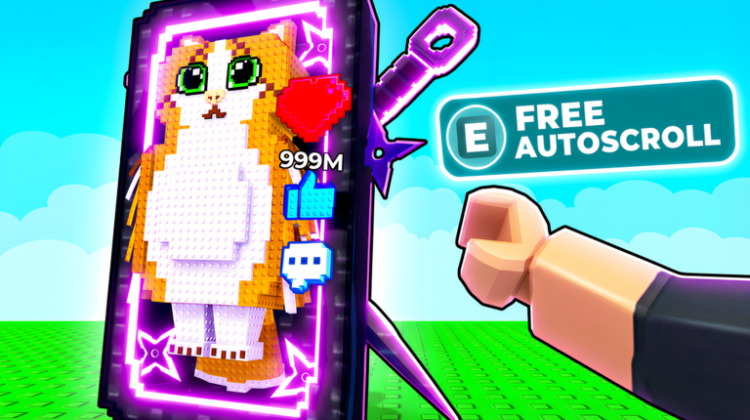
Scroll a Brainrot turns a giant phone feed into a shop window. You scroll, spot a Brainrot, buy it, and place it in your base, where it earns money even after you log off. The income feeds phone and stat upgrades, then rebirths when the numbers need a push.
We have gathered 13 codes for Scroll a Brainrot and kept the how-to beside them. Use Settings in the top-left corner to redeem, then check the expired heading before trying a code you found elsewhere. No Scroll a Brainrot entry is currently sitting in the expired list.
All New Scroll a Brainrot Codes
- Taco: 5 Spins. (==NEW==)
- 50kfav: 50k Money and 2 Spins.
- Freespins: 5 Spins.
- Trait: 88k Money and 2 Spins.
- Blacktime: 5 Spins.
- 30mvisits: 300k Money.
- 120kLikes: 120k Money and 2 Spins.
- hellrot: 66.6k Money.
- 110klikes: 110k Money.
- potato: 1 Spin and 10k Money.
- AUTOSCROLL: 5 Spins.
- STEAL: 30,000 Money and 1 Spin.
- 70KLIKES: 25,000 Money and 1 Spin.
Tip: If you are returning to Scroll a Brainrot after a break, start with these 13 codes. Older Scroll a Brainrot codes circulate for months after they stop working, so the date and status of the list matter.
Expired Scroll a Brainrot Codes
There are currently no expired Scroll a Brainrot codes in our verified list. Every confirmed Scroll a Brainrot release we found is still in the active section above; if one is retired, it will be moved here.
How to Redeem Scroll a Brainrot Codes
For Scroll a Brainrot, redemption takes only a few steps:
- Launch Scroll a Brainrot on Roblox.
- Press the Settings button in the top-left corner of the screen.
- Type the code into the ‘Enter code…’ text box.
- Click Enter to claim your reward.
How to Get More Scroll a Brainrot Codes
Before your next scrolling session, a quick look at the official Scroll a Brainrot Roblox page can reveal whether an update or event has just landed. If it has, compare any announced code with the active Scroll a Brainrot list above before entering it.
Why Are My Scroll a Brainrot Codes Not Working?
If the game refuses a Scroll a Brainrot code, work through these possibilities:
Double-Check for Typos: Read the Scroll a Brainrot string backwards once, from the last character to the first. That awkward check makes a missing letter in a Scroll a Brainrot code easier to spot than rereading it in the usual direction.
The Code Has Expired: Look at where the code sits on this Scroll a Brainrot page. If it is not in the active Scroll a Brainrot list, its status may have changed; repeated attempts will not revive a retired entry.
Already Redeemed: Check whether the Scroll a Brainrot reward is already in your inventory or balance. If it is, the Scroll a Brainrot code has probably done its job and the new rejection is the once-per-account limit.
More Roblox Codes You Should Check Out
Conclusion
That is everything verified for Scroll a Brainrot right now. Keep this Scroll a Brainrot page for the next release; a new code will go into the active list, not disappear into the comments of an old post.
Leave a Reply